Computer 101 is moving. We remain at 5853 Tisdall St through September 30. Beginning October 1, 2026, visit us at 718 W 46th Ave, Vancouver, BC V5Z 2R3.

What to Do If Your MacBook Has a Black Screen: Tips from Computer 101
Ramin
10/14/20251 min read
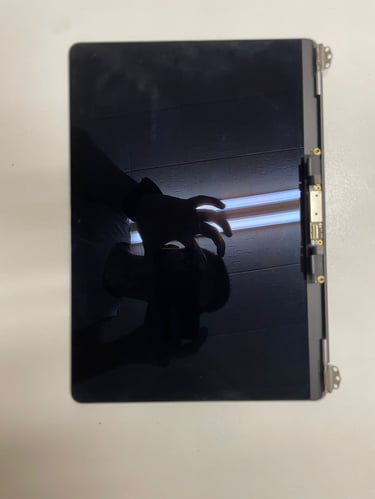
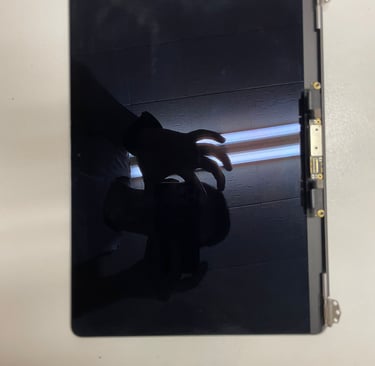
If your MacBook suddenly shows a black screen, don’t panic! Here are some steps you can try before bringing it in for professional help:
1- Reset Your MacBook – Disconnect it from power, wait a few seconds, then reconnect and try turning it on.
2- Connect to an External Display – If you see output on the external display, the issue is likely your MacBook screen.
3- Consider Motherboard Issues – In rare cases, if nothing shows on an external display, the problem could be with the motherboard.
At Computer 101, we specialize in fast and reliable MacBook repair in Vancouver, Richmond, Burnaby, Downtown, North Vancouver, Langley, and Coquitlam, including screen replacement, motherboard repair, and diagnostics with free evaluation.
If your MacBook screen stays black, contact us to get it checked by our expert technicians and have it working like new again.


Your trusted partner for computer repair and IT solutions in Vancouver, Burnaby, Richmond, Surrey, Langley, West Vancouver, and Coquitlam.
Contact Information
Business Hours
Monday - Saturday 10:00 AM -7:00 PM
Sundays Closed


